Point. Scan. Open the right stock.
Use a phone, photo or handheld scanner without letting one device dictate the workflow.
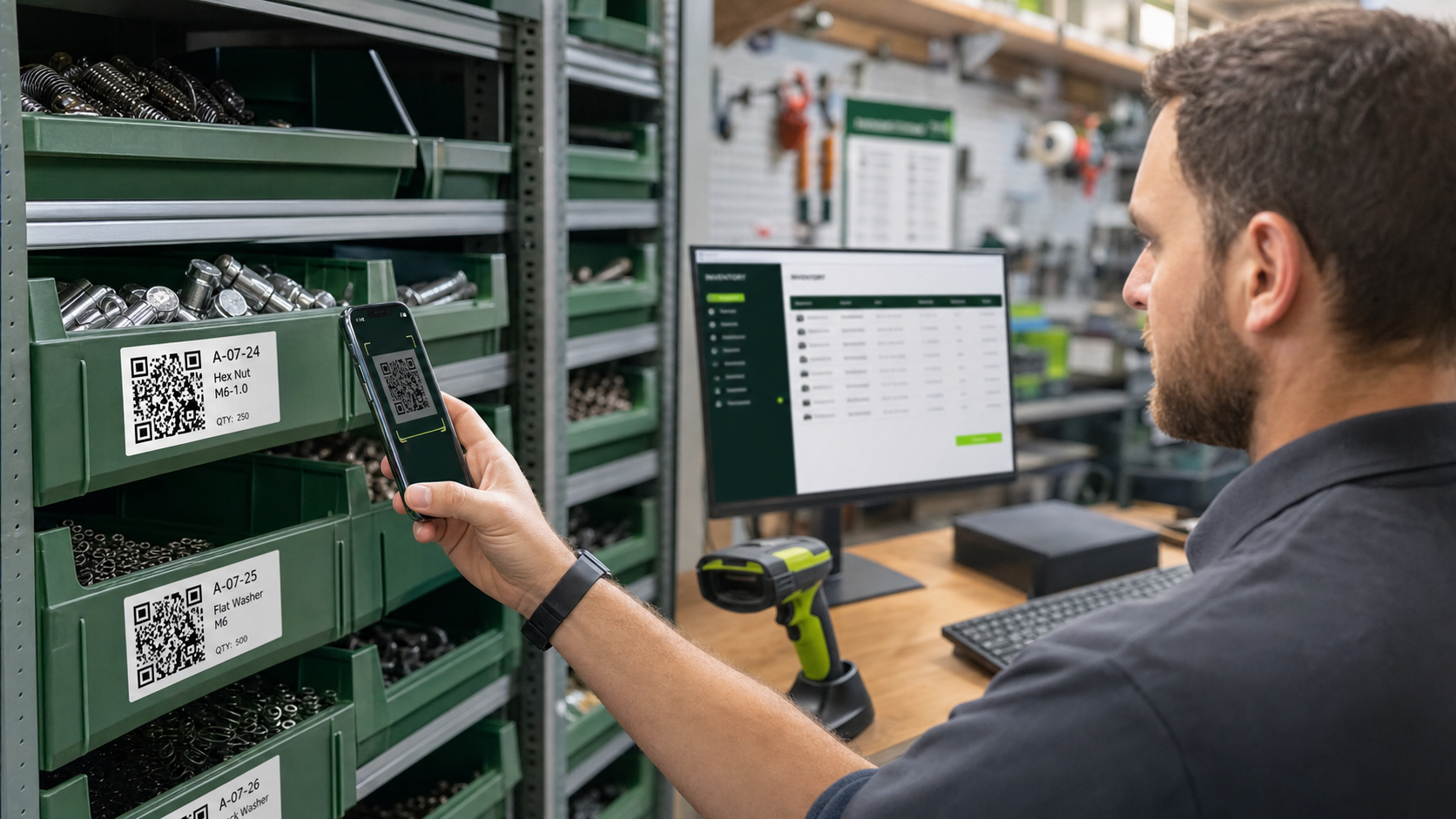
Scan with your phone
Open Scan in the mobile navigation. Live camera is the fastest workflow, but requires HTTPS and camera permission. “Take photo to scan” also works when continuous camera is unavailable. Manual search and Receive always remain visible alternatives.
Handheld scanner at a workstation
A USB or wireless scanner that behaves like a keyboard can enter the code directly. Place the cursor in the scan or search field and scan. This works well at a fixed receiving bench, warehouse desk or label station.
Which codes work?
Parts Inventory reads permanent QR identities for parts, stock packages, locations and projects, plus common 1D barcodes. Renaming or moving an item does not invalidate a printed label. Removed or merged identities receive a controlled historical result.