A good label makes software physical.
Design once, reuse it and keep the connection between bin, location and digital stock.
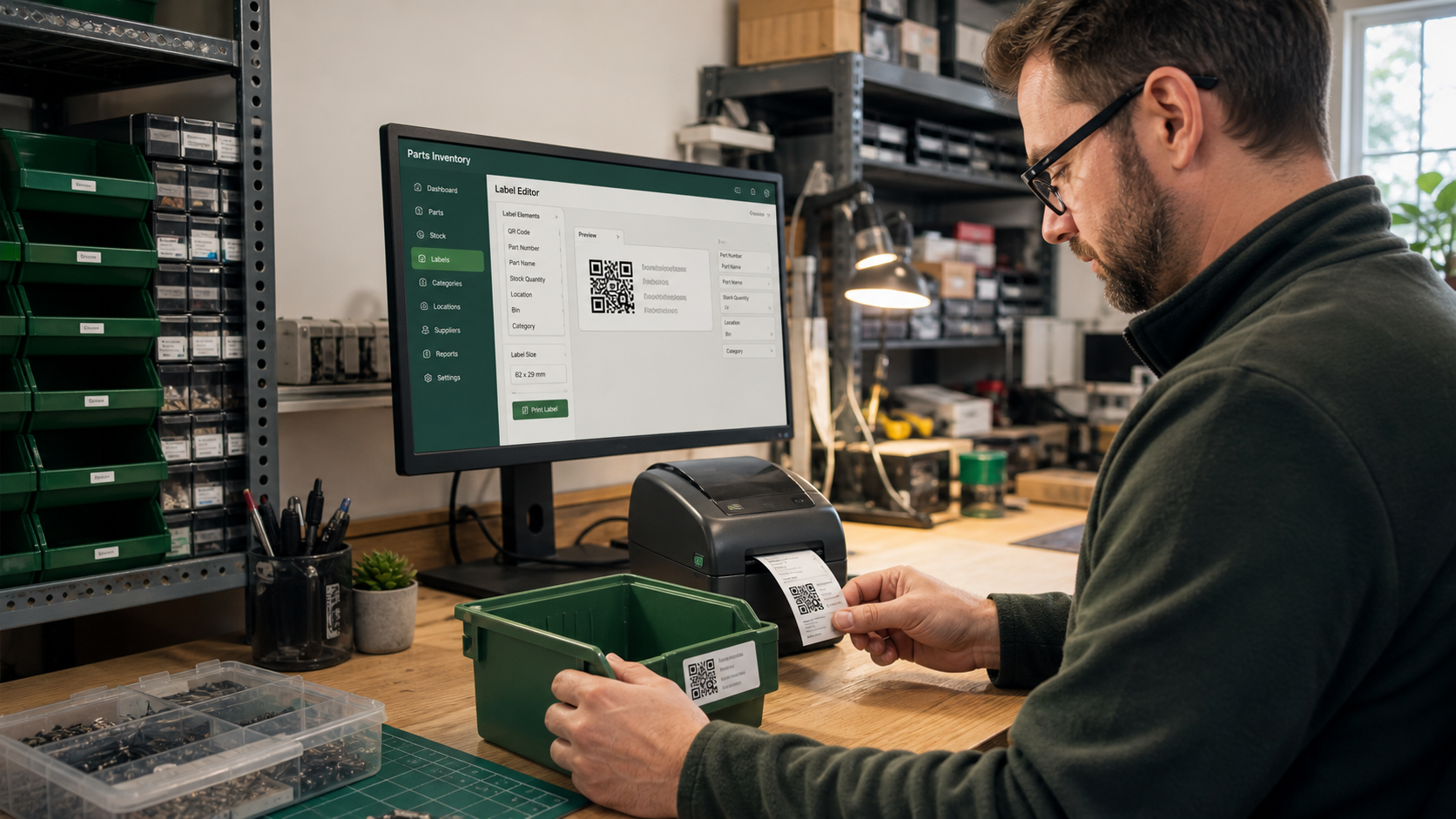
Build the label in layers
Add text or dynamic data fields, a QR code, logo, line or box. Drag layers on the canvas and resize them from the green corner. Set width and height in millimetres and choose a preview record to check real content.
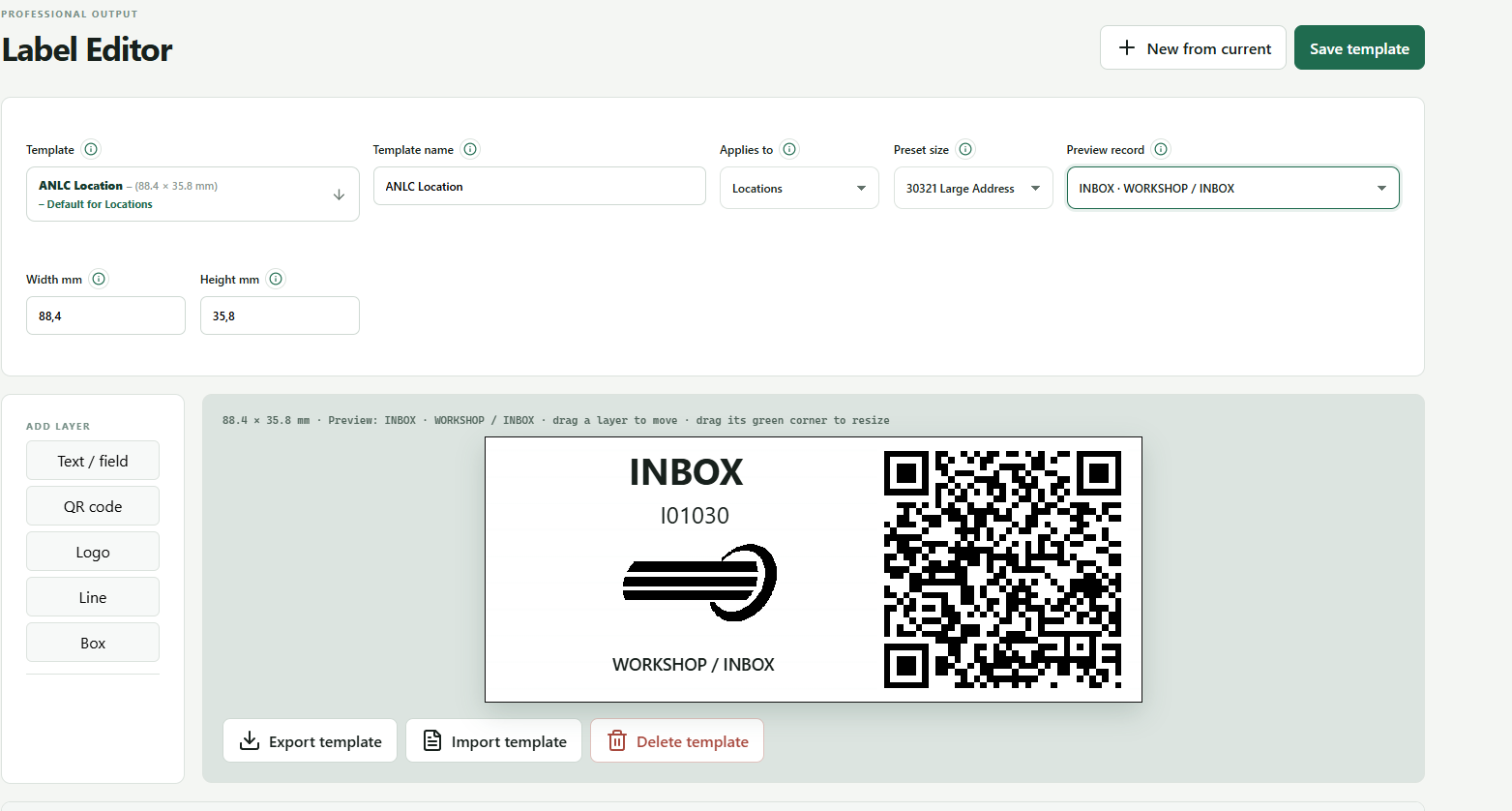
Create templates by purpose
Templates can apply to stock, locations or projects. Create a new template from the current design, save changes and use import/export to move layouts between installations. Settings → Labels & printers stores separate default formats.
Printer and browser
Parts Inventory creates a print document at the configured physical dimensions. The browser then opens the normal print dialog. Check scale, margins, orientation and media: browsers cannot silently force a printer or tray.